

Emailing Absent Students
With the Attendance Tracking module, you can send an email to registrants notifying them of an absence (students who have 0.00 hours for a session).
To email absent students:
- Select Tools > Email Absent Students.
- Enter the meeting date (current date is auto-entered).
- Enter the email subject.
- The Body window opens with the default text. You can edit the text if desired.
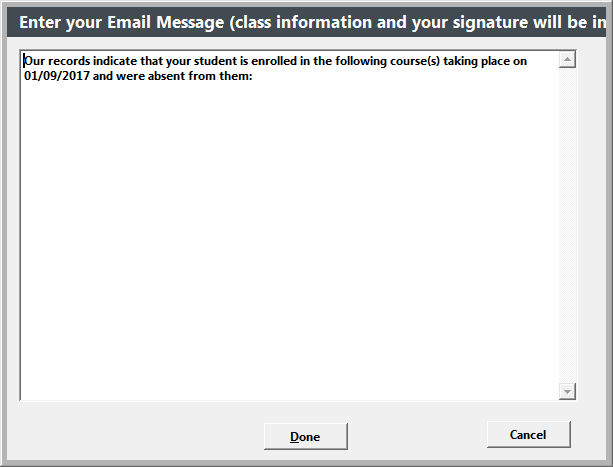
- Click Done to send the emails.