

Delete Course Fees
Delete a Main or Other fee set up on a course record.
- Click the Delete field on the fee you want to delete to change the value to Yes.
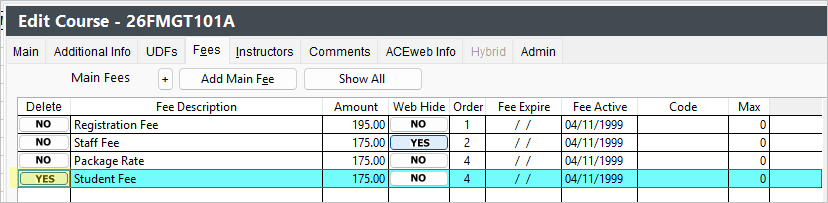
- Click the Save Changes button.
Note
- VFP Users: the fee is marked for deletion and will be removed from the system when you run the Pack/Reindex routine. You cannot add the same fee back to the system after deleting it until you run the Pack/Reindex routine.
- SQL Users: the fee is deleted when you save the course record.