

Workshop Screen
To access the Workshop Tracking module, open a Workshop type course, then click the Workshops button.
Mouse over field for Field Name. Go to Data Structures course Workshop Records and registration Workshop records to see more field information.
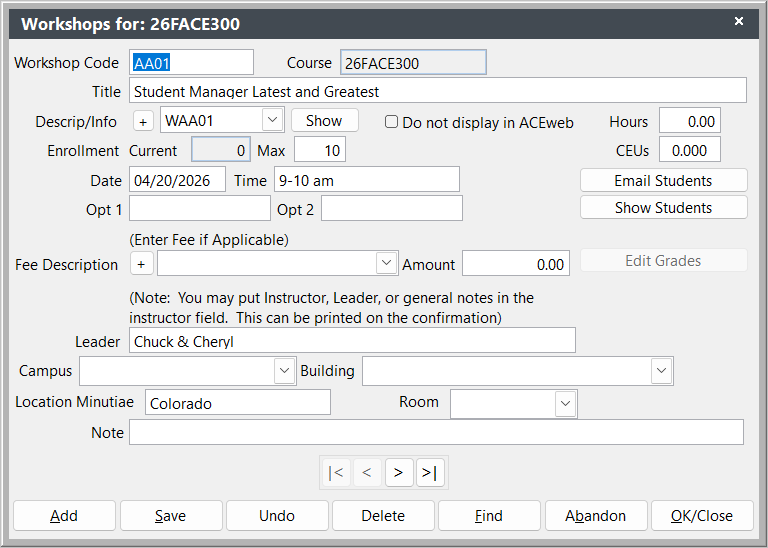
Some of the available fetures of the Workshops screen:
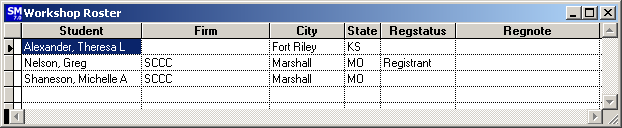
- View Workshop List - view a list of students enrolled in the workshop by clicking the Show Students button on the Workshop screen screen.
- if you have created descriptions for the workshops in the Catalog Builder, view the Workshop Description with the Show button:
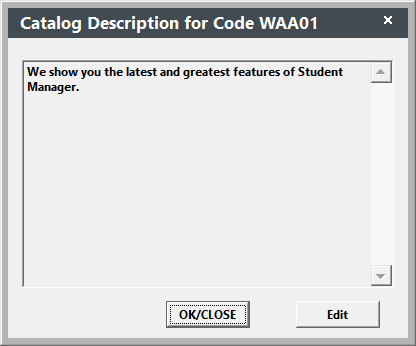
You must have a valid Catalog code entered in the Descrip/Info field to view the workshop description.
Click the Edit button to open the Catalog record for editing.