Launching Student Manager
Double-click the icon on the computer's desktop (or wherever your system administrator placed the shortcut) to start Student Manager.
The Login screen opens. Enter the login information.
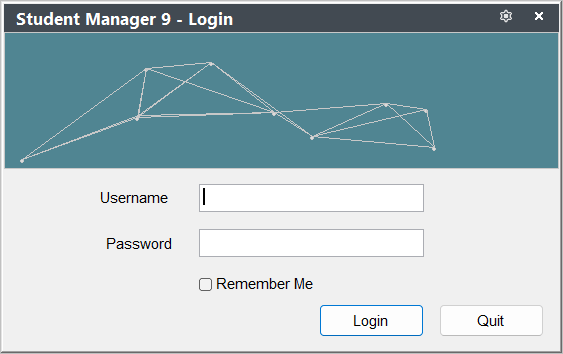
See the Remember Me on this Computer topic for information on the feature.
Microsoft Entra Sign On
If your organization has set up Microsoft Entra Sign On, Student Manager will launch the Entra login process instead of the standard Login screen. Contact your ACEware Systems technician to set this up.
- Click the Login button, or press the ENTER key.
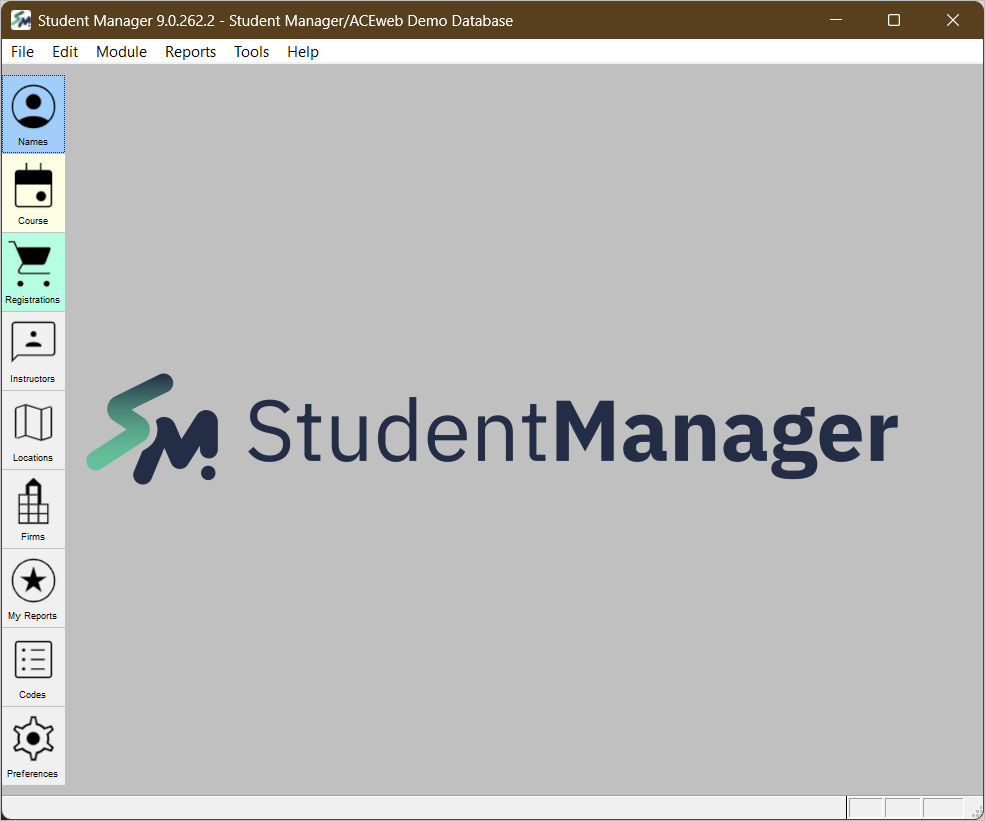
You’ll now be at the main Student Manager screen.