

Previewing/Printing the Report
If you selected the Print to Screen Report Option screen, the Print Preview window opens. From here you can preview and print the report.
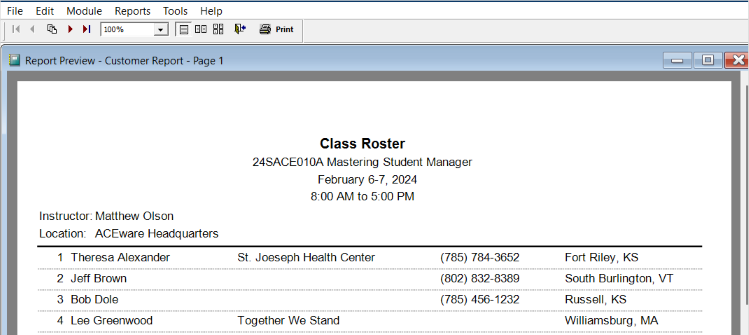
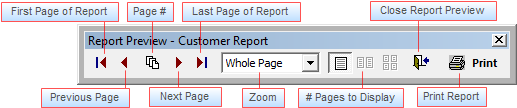
Use the Print Preview Tool Bar to view pages of the report, zoom in or out, print, or close the Report Preview Window.
Preview One Report at a Time
Only one report can be previewed at a time. If you try to run another report while a Print Preview window is still open, you'll be prompted to close the open one first.