

Pay Types
Set up the payment types used when making payments.
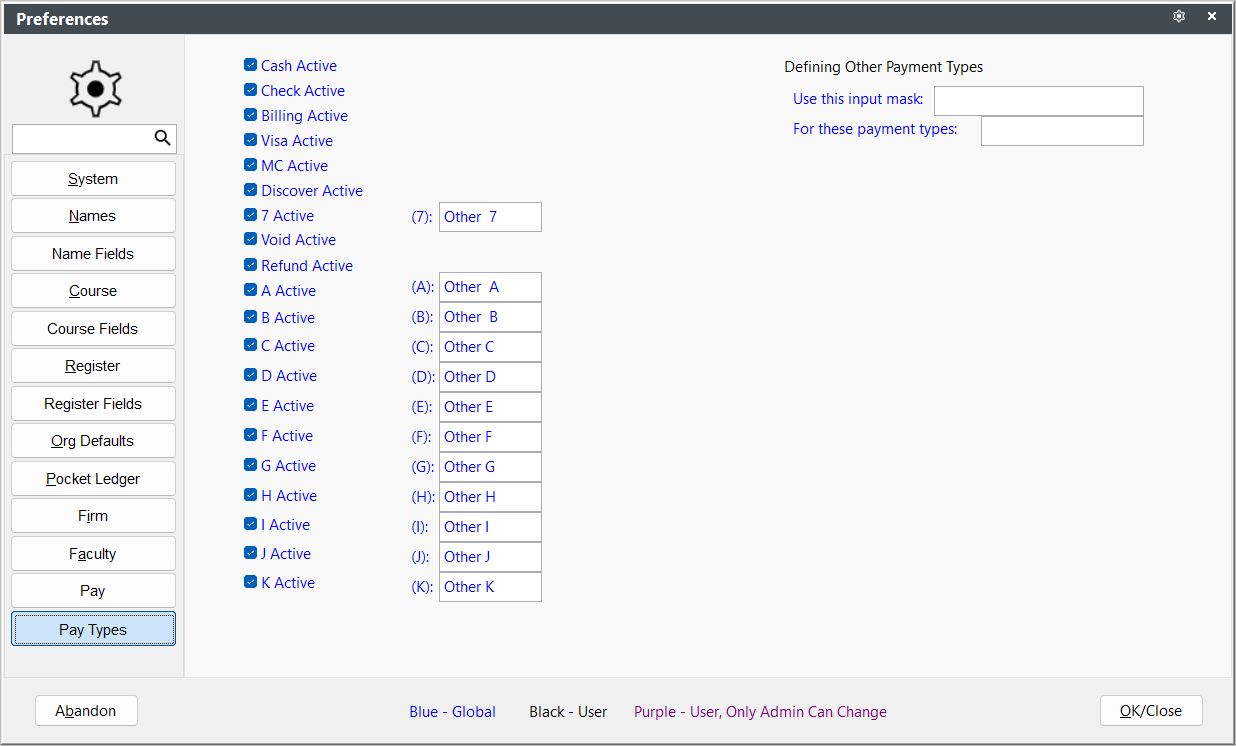
- Enable payment types - check the payment types boxes of types you want to use when making payments.
- Define Custom Payment Type Labels - enter labels for the A-K pay types. These labels will be used in the Payment Type drop down list.
- Use this Input Mask - allows you to enter an input mask for payment types specified in the For these payment types setting. For example, to format the A payment type value to be formatted as a 999-999-999 value, enter 999-999-999 in this setting, and A in the For these payment types setting.