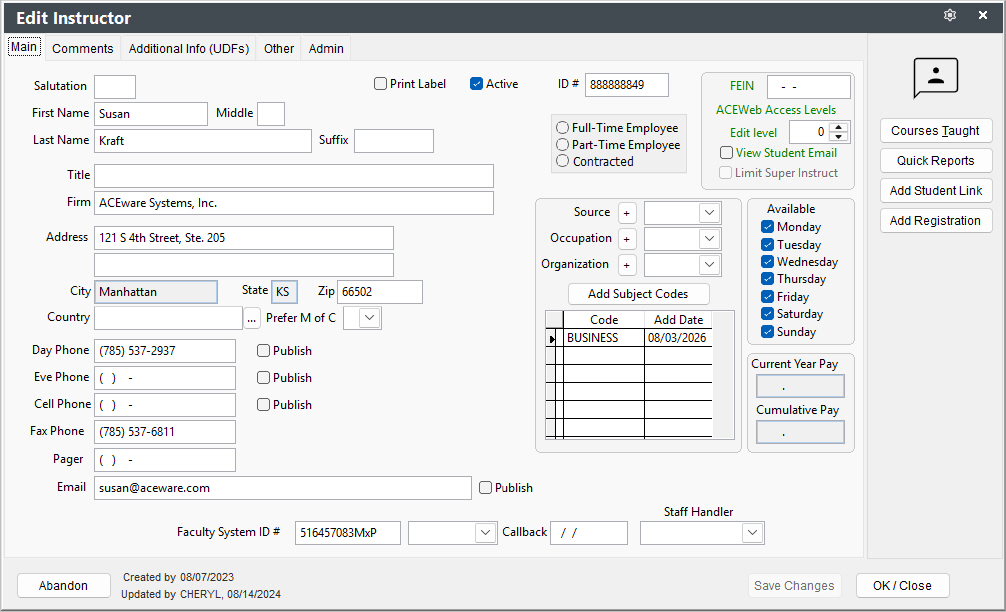
Faculty Manager Screen
The Faculty Manager screen consist of 4 tabs:
- Main - fields for instructor information such as name, address, phones, etc.
- Comments - comments, evaluation and payment notes, contact history, bio, etc..
- Additional Info - faculty user defined fields.
- Other - CRM entries for the instructor
- Admin - routines only available to administrators such as deleting the faculty manager record.
A Faculty Manager record must exist before the instructor can be assigned to courses.
Mouse over field for Field Name. Go to Data Structures to see more field information.