Combining Location Records
You may find that you have two records created for the same location (e.g. one entered as Continuing Ed Center and the other entered as Continuing Education Center).
To combine two Location records:
- Open the record you want to combine.
- Click the Combine Location button.
- Confirm that you want to combine this location into another by clicking Yes on the Combine Locations dialog.
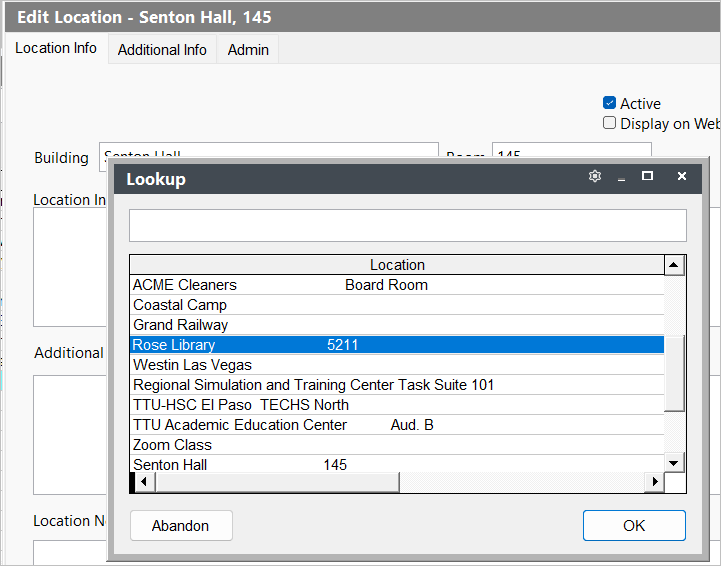
- Select the location you want to combine it with, then click OK
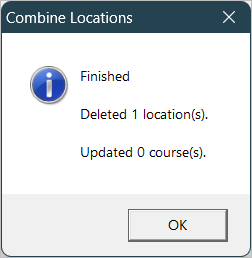
- The system will display the Finished message telling you that the location was deleted and how many courses were updated (if any).