Who Approved Registration
Identify who approved a person to register in a course.
Emailing Confirmation
For the person who approved the registration to receive a copy of the registration confirmation, you must complete this procedure prior to emailing the confirmation.
To identify who approved the registration:
- Open the registration record.
- Click the Additional Info / UDFs button.
- Click the Who Approved this Registration button.
- Find and select the person who approved the registration.
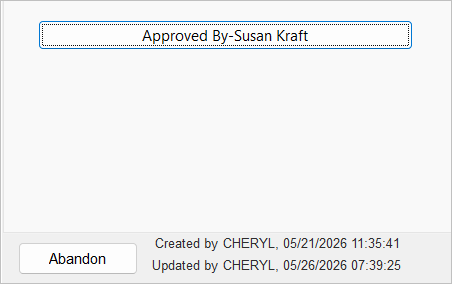
- When you are returned to the registration record, the button lists who approved the registration: