

Remember Me on This Computer
Student Manager offers a "Remember Me" option to remember your user credentials. Checking the Remember Me on This Computer box during the log in process will remember your credentials so you won't need to enter them every time your start Student Manager.
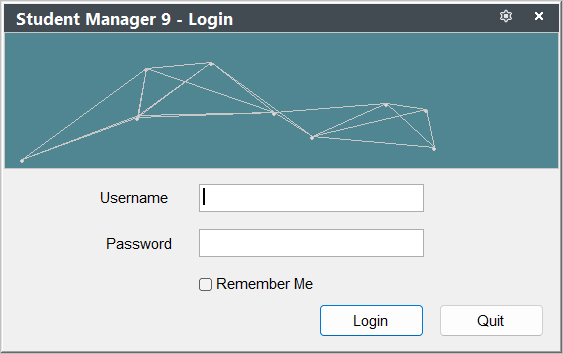
Remember Me
To remember your logon credentials:
- Enter the User ID.
- Enter your Password.
- Check the Remember Me box.
- Click the Login button, or press the Enter key.
Forget Me
To forget your user credentials on this computer, select .