

Registration Unlimited UDFs
To enter values in Unlimited UDFs set up for a registration:
- Open the registration record.
- Click the Additional / UDFs button.
- On the Additional / UDFS screen, click the Additional UDFs button.
- Enter the values in the Unlimited fields.
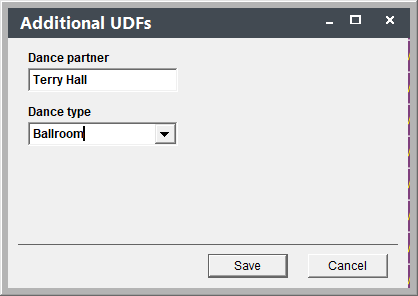
- Click the Save button.
- Save the registration record.
Changes Not Saved
If you save on the Additional UDFs screen but do not also click Save Changes on the registration record, your entries in Unlimited UDFs will not be saved.