

Course Admin Tab
Routines only available to Student Manager administrators are located on the Course Admin tab.
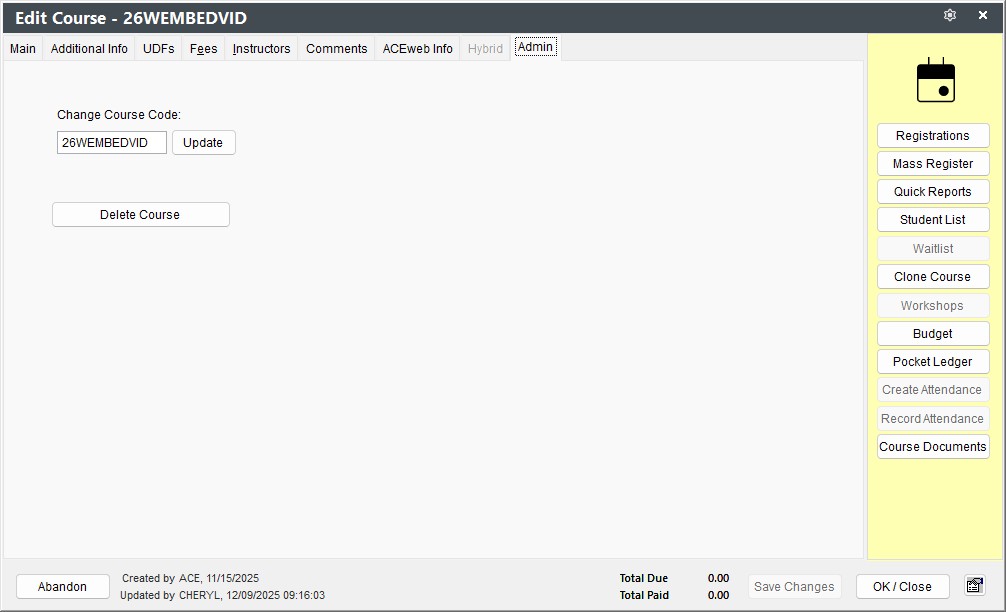
Change Course Code
To change the course code:
- Enter the new code
- Click the Update button
The system will change the code on the course record and all associated records (i.e. registrations, payments, etc.).
Delete Course
WARNING
You cannot delete a course that has registrations.
To delete a course:
- Click the Delete Course button
- On the Course Deletion dialog, select the appropriate Update Counts option
- Click Yes on the Confirm Deletion dialog