

Adding Query Fields
If you don't see the field you want to add to your query in the Step 1 - Select a field list of the Create Query routine, you can add it--IF--the table is available in the particular query area. For example, if you are in a Faculty report area, you cannot add a field from the Names table because it's not available in the Faculty reporting area.
To add a field:
- Click the Add... link.
- Find the field you want to add in the Field Chooser window.
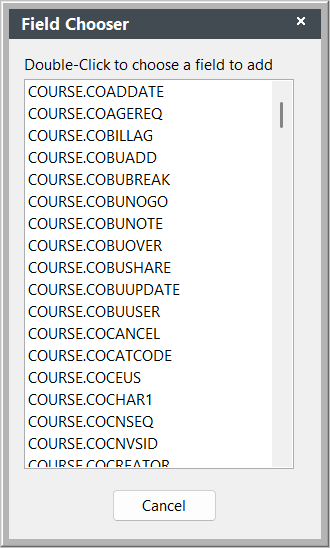
- Double-click the field to add it to the Step 1 - Select a field list.
- Enter a description for the field then click the OK button.
The new field is added to the Step 1: Select a field list.