Compare Courses
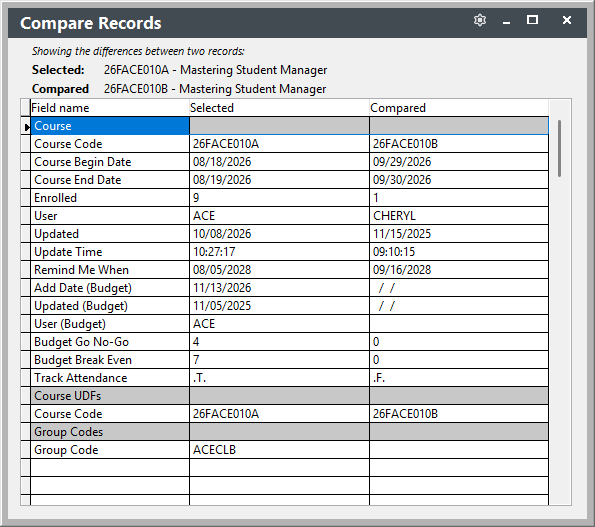
You can compare two course records side by side to see what's different between them (e.g. fees, dates, Grouping Codes).
Comparing Two Courses
- Open the Course Explorer.
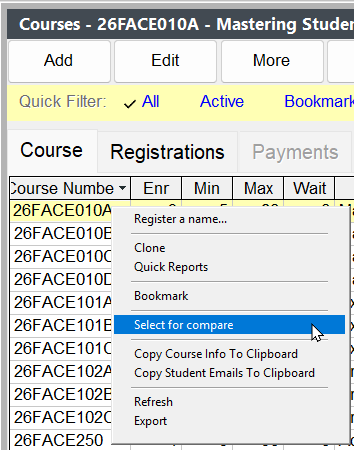
- Highlight the first course, click the More button (or right-click), then select Select for compare.
Right-Click List
You can also right-click in the list area to bring up the menu.
- Highlight the second course, click the More button (or right-click), then select Compare with selected.
- The Compare Records window opens, listing each field with its Selected and Compared values. Fields that differ between the two courses are highlighted.